
Guide
An on-screen keyboard for your Mac
Tap a text box on a touchscreen MacBook Pro laid flat, and a full-size keyboard slides up on the glass.
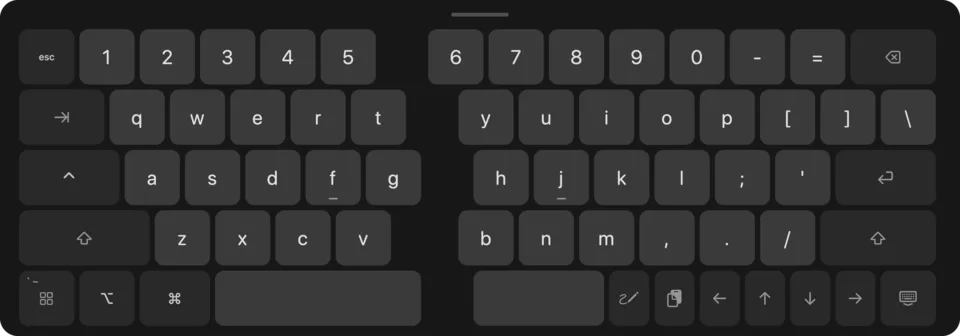
Full size, split down the middle
The keys have MacBook key spacing and are split down the middle, so both hands rest where they would on a real keyboard. The line you are typing shows right above the keys, wherever the text box is on the screen.
In any app
It comes up when you tap a text box in any app. Flip Screen needs the Accessibility permission for that, and what you type never leaves your Mac.
Free
The keyboard, Cut, Copy and Paste over selected text, and turning the screen to face you are free.
With Pro
Word suggestions and autocorrect. Hold the space bar to move the cursor like a trackpad. An App Switcher key for your open apps, and a clipboard key with your last ten copies, kept in memory only. Graphite, Light or Amber themes, with key sounds if you want them. Get Pro, $9.99 once.
For the touchscreen MacBook Pro on macOS 27. Pro is $9.99 once.